Skip to content

Kiosk Ordering

Self-Order Kiosks, Built for NZ & AU

Quick, contactless ordering for hospitality and retail businesses across New Zealand and Australia — no waiting in line.

Kiosk hero
Kiosk card img 1

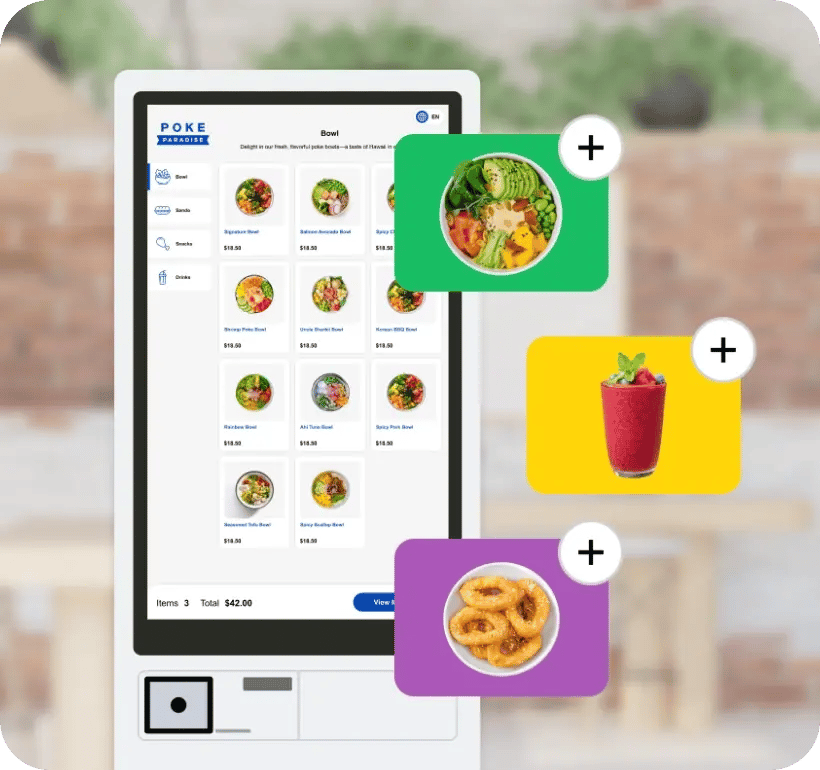
Tap

Quick and easy ordering at your fingertips. Use our self-service kiosk to place your order without waiting in line.
Kiosk card img 2

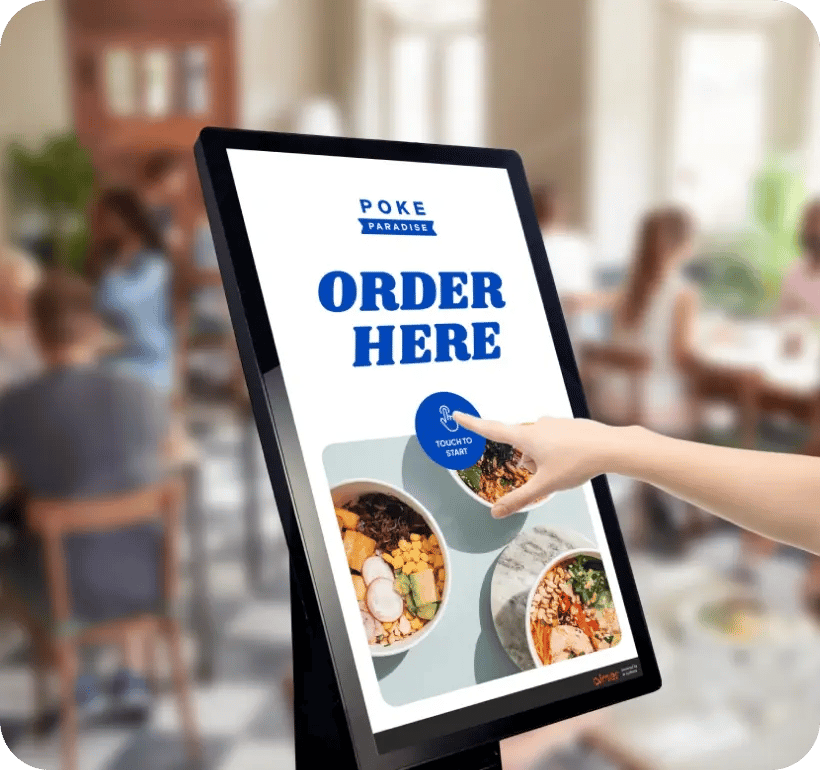
Order

Touch the screen to begin. Our kiosk guides you through every step.
Kiosk card img 3

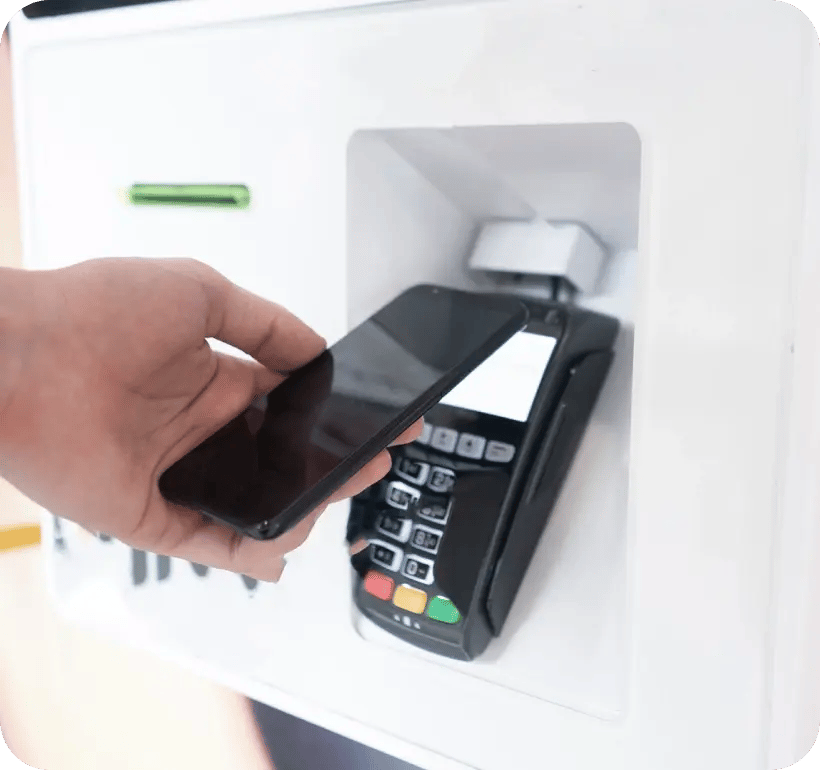
Pay

Complete your order by paying directly at the kiosk — card, mobile wallet, or other available options.

Kiosk full width img

Make It Easier for You and Your Customers

kiosk card 1

Faster Service

Reduce wait times by letting customers place orders directly, speeding up the entire process.
kiosk card 2

Fewer Errors

Customers enter their own orders, which helps avoid mistakes and ensures accuracy.
kiosk card 3

Increased Sales

Smart upselling prompts encourage customers to add more items, boosting average spend.

kiosk card 4

Lower Staff Load

Automate routine tasks and free up your team to focus on food prep and customer care.

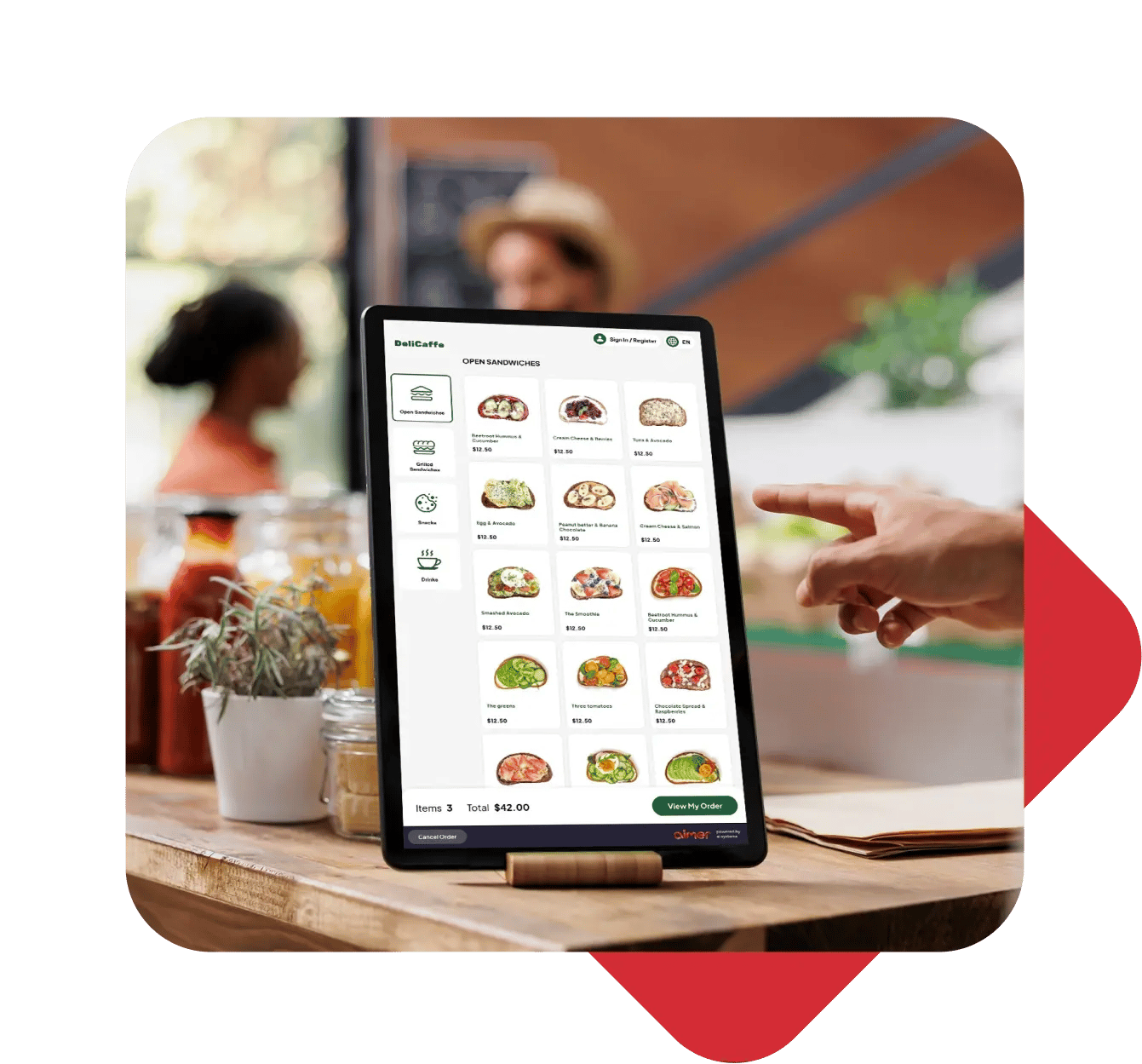
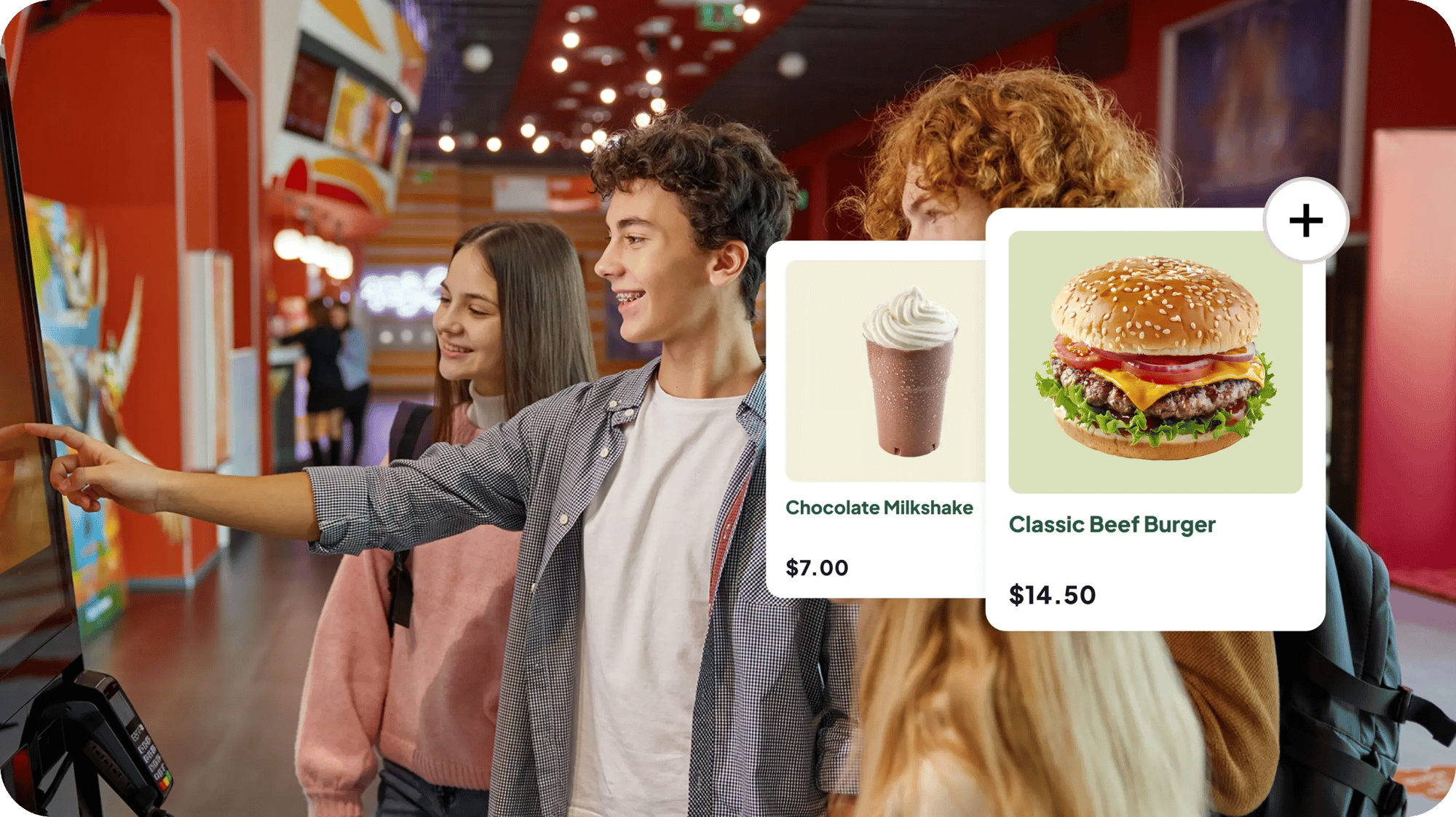
Customer browsing the menu and paying on an Aimer self-service kiosk

Seamlessly Connected to Your POS

Every order placed at the kiosk flows straight into your Aimer POS and kitchen display in real time — no manual entry, no double handling. Customers can pay their way, with EFTPOS and all major mobile wallets built in. Add your own menu photos and branding to match your counter, cafe, or restaurant.

Frequently asked questions

How long does it take to install a kiosk?

Most Aimer installations go live in as little as 5 business days from sign-up.

Can we buy the kiosk outright instead of leasing it?

You can lease your hardware on a fixed term with full warranty cover, or buy it outright if you'd rather own it from day one — either way, the software itself runs on a flexible, open contract with no long lock-in.

Does the kiosk still work if the internet goes down?

The kiosk needs a stable internet connection to operate — unlike our POS, it doesn't have an offline mode. If your in-store WiFi is unreliable, a mobile hotspot or backup WiFi can keep the kiosk online, though this may affect some kitchen printing functionality.

Do you help set up our menu and photos on the kiosk?

Our team helps load your menu or product catalogue, sets up your product photos, and installs the hardware on-site, so you're ready to trade from day one.

Does the kiosk connect to our existing Aimer POS and kitchen display?

Yes — every order placed at the kiosk flows straight into your Aimer POS and kitchen display in real time, with no manual entry needed.

Can we run kiosks at more than one location?

Yes — kiosk menus and pricing update centrally, so changes at HQ apply across every site.